Virtual Try-On
See Any Outfit on You — Before It Exists
Upload a garment photo and your AI Twin wears it in under a minute with realistic draping and fit.
4 credits / try-onUnder 1 minuteUp to 6 garmentsTwin or photo mode

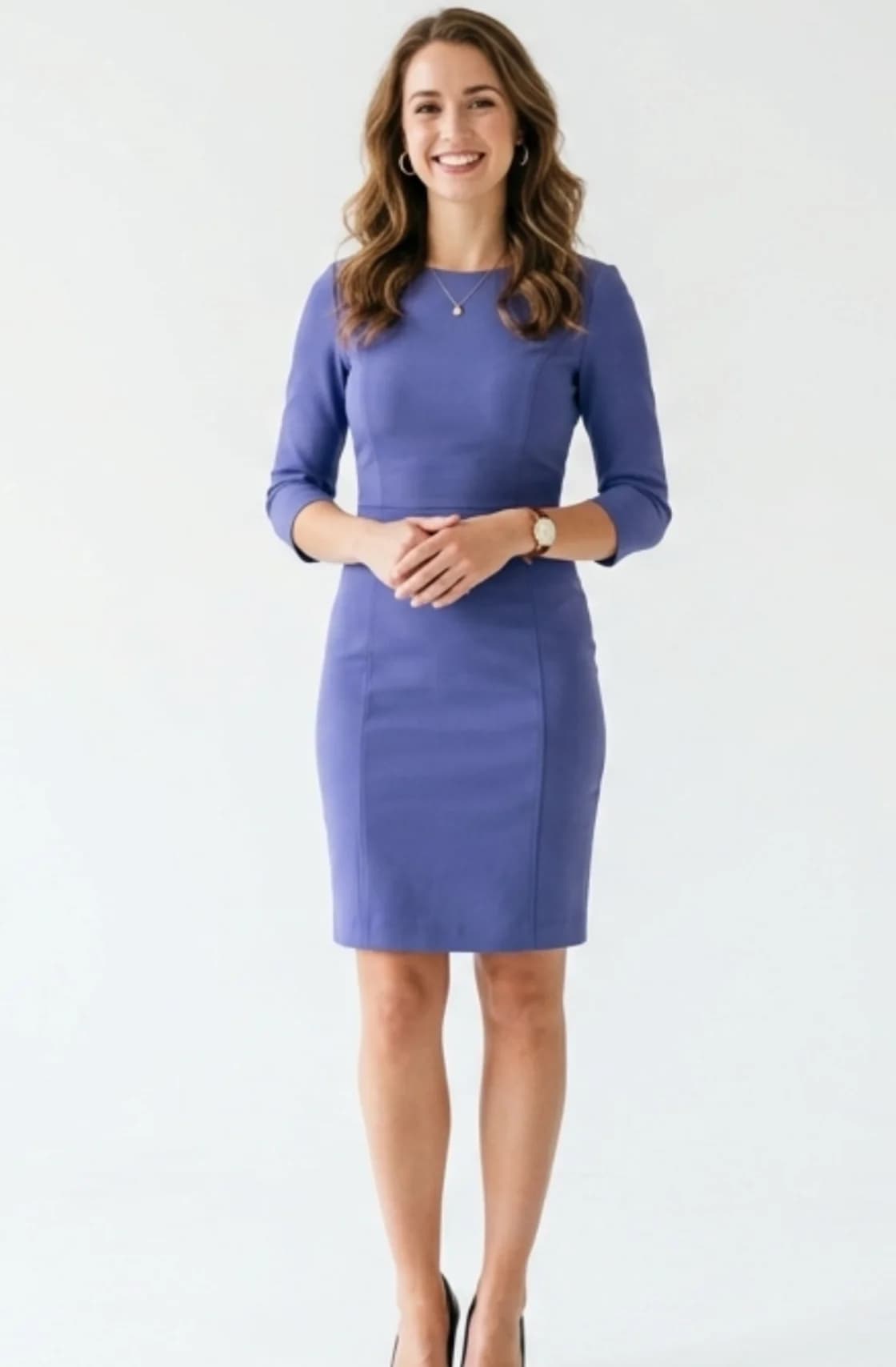
How It Works
Choose Your Model
Pick a trained Twin for consistency, or upload a one-off person photo.
Upload Garments
Add tops, bottoms, dresses, or full outfits and select the primary garment.
Generate & Compare
Use side-by-side output to validate fit, folds, and proportions.
Two Modes
Twin Mode
Face-consistent results for creators and repeat campaigns.
Manual Mode
Upload any person photo for quick testing without model training.
Garment Categories
Tops
Shirts, blouses, jackets, sweaters, t-shirts. The AI understands collar shapes, sleeve lengths, and layering.
Bottoms
Pants, jeans, skirts, shorts. Accurate waistline placement and leg draping.
Dresses
Full-length and cocktail dresses. The AI handles complex silhouettes and fabric flow.
Full Outfits
Complete coordinated looks. Upload a photo of the full outfit and see it on your model.
Why Brands Use It
Eliminate Sample Production
Preview designs on your model before manufacturing. Cut sample costs by up to 70% while maintaining realistic visualization.
Scale Your Lookbook
Generate unlimited outfit combinations from a small garment catalog. Show every piece on your AI Twin without a single photoshoot.
Speed Up Content
What used to take a photographer, stylist, and a full day now takes 4 credits and under 1 minute.
Merchandising Workflow
From Design Draft to Campaign Preview
Fashion teams can test styling decisions before committing to production. Upload draft garment concepts, pair them with different model references, and preview multiple visual directions in minutes. This helps stakeholders align early on silhouette, fit perception, color harmony, and brand mood. Instead of waiting for physical samples and scheduling expensive studio time, teams can validate creative direction digitally and move to production with higher confidence.
Create More SKU Coverage
Most catalogs underperform because only a small percentage of products receive full visual treatment. Virtual try-on lets you generate broad coverage across colorways, seasonal collections, and accessories without additional photoshoots. Merchandisers can publish complete collections faster, improve product-page depth, and support campaign launches with ready-to-use assets. More visual coverage usually means better click-through rates, longer session time, and stronger conversion intent.
Standardize Brand Quality
Define a repeatable visual standard: camera framing, pose style, lighting profile, and background treatment. Then apply the same standard across every garment upload to keep your storefront coherent. Teams often create internal style guides for prompt language and output review so everyone produces consistent results, even across multiple contributors. This reduces revision cycles and ensures your final lookbook feels unified from hero products to long-tail inventory.
FAQ
How many garments can I upload?
You can upload up to 6 garments and select a primary one for generation.
Do I need a trained Twin?
No. You can use Twin Mode or upload a model photo in Manual Mode.
How long does generation take?
Most try-on outputs are ready in under one minute.
Is it useful for e-commerce?
Yes, brands use it for lookbooks, previews, and rapid catalog testing.
How much does each try-on cost?
4 credits per try-on generation. A Pro plan (500 credits/month) gives you approximately 125 try-ons per month.
Ship fashion visuals faster
Create on-model previews without physical samples or studio sessions.
Try Virtual Try-On